
BullGuard VPN PC
BullGuard
Download BullGuard VPN on PC With GameLoop Emulator
BullGuard VPN on PC
BullGuard VPN, coming from the developer BullGuard, is running on Android systerm in the past.
Now, You can play BullGuard VPN on PC with GameLoop smoothly.
Download it in the GameLoop library or search results. No more eyeing the battery or frustrating calls at the wrong time any more.
Just enjoy BullGuard VPN PC on the large screen for free!
BullGuard VPN Introduction
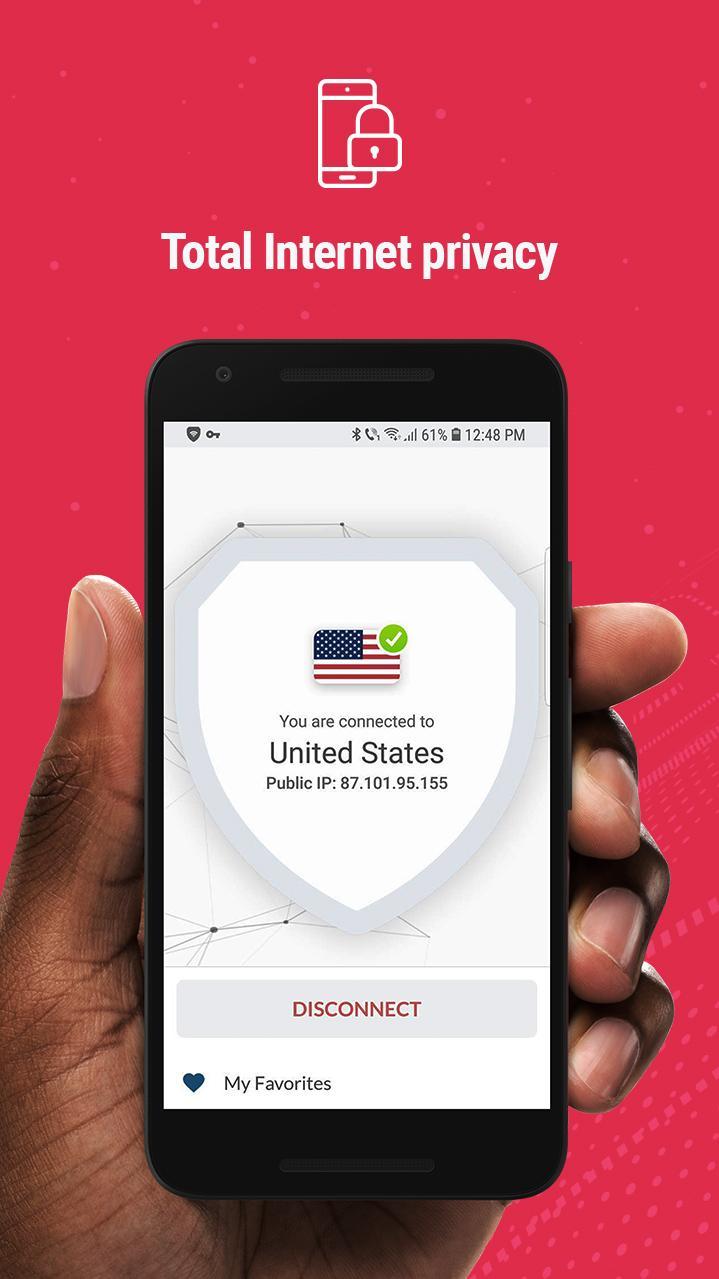
It’s never been easier to have complete online privacy and total Internet freedom. BullGuard VPN gives you the flexibility to safely and securely access the Internet and online services from home, work or abroad.
BullGuard VPN
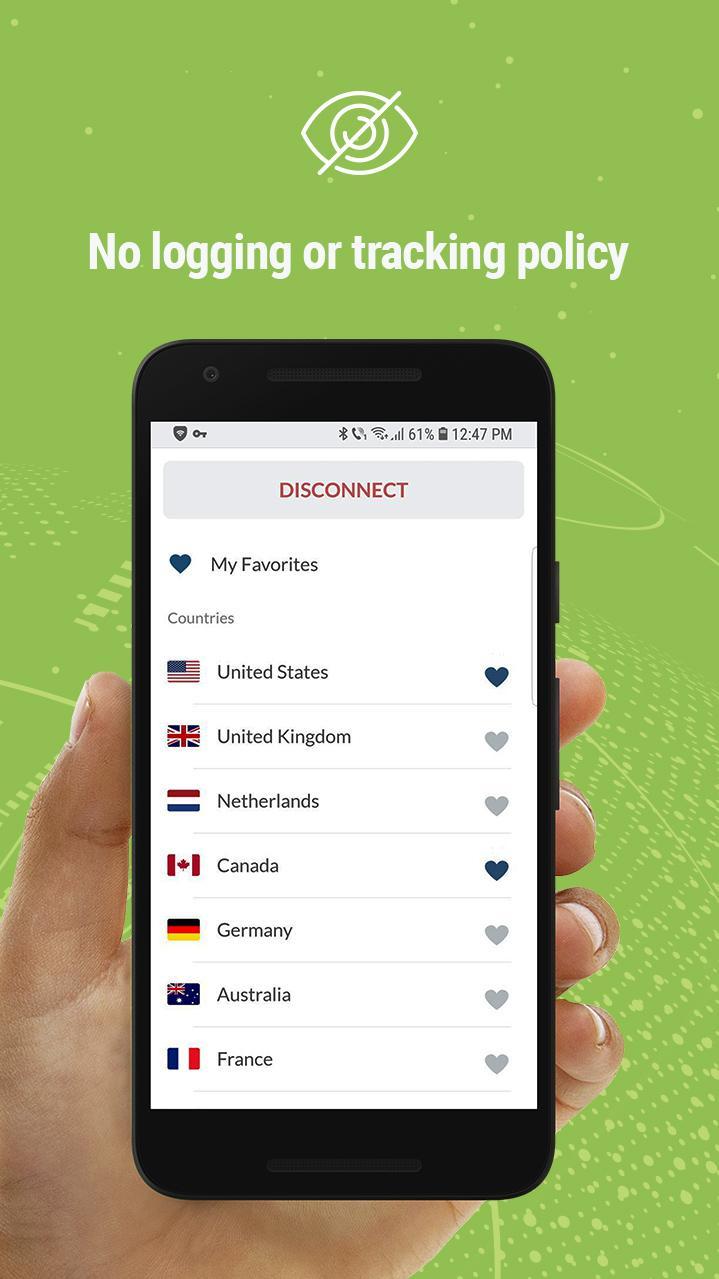
No logging or tracking policy
✓ BullGuard VPN does not log what you’re doing online, nor keep records of the websites you visit, ensuring you have complete online privacy and security.
Easy access
✓ Are you already protected by BullGuard Internet Security? It’s easy to log in to BullGuard VPN. Simply use your current BullGuard account credentials.
Total freedom online
✓ Secure up to six devices simultaneously with a single BullGuard account.
Secure your privacy
✓ Military grade encryption provides bulletproof protection for data, so no one can snoop on your communications.
Simple and easy to use
✓ Simply click on Quick Connect for one click access to the nearest BullGuard VPN server which connects you based on several factors including your current location. Or you can choose the country of your choice to connect to a server in that country.
Auto-Connect
✓ Enable Auto-connect VPN for open Wi-Fi networks, and BullGuard VPN will identify open Wi-Fi connections and automatically starts the VPN to ensure you are protected.
Use it on multiple devices
✓ Besides the mobile VPN for Android, you can connect to BullGuard VPN on all your devices. Simply get the apps for Windows, Mac or iOS.
✓ Free support
✓ Unlimited bandwidth
✓ 6 simultaneous connections with 1 account
✓ Military-grade encryption protocols (OpenVPN, Ikev2 / IPsec)
Preview
Tags
ToolsInformation
Developer
BullGuard
Latest Version
1.4.9
Last Updated
2020-01-30
Category
Tools
Available on
Google Play
Show More
How to play BullGuard VPN with GameLoop on PC
1. Download GameLoop from the official website, then run the exe file to install GameLoop
2. Open GameLoop and search for “BullGuard VPN” , find BullGuard VPN in the search results and click “Install”
3. Enjoy playing BullGuard VPN on GameLoop
Minimum requirements
OS
Windows 8.1 64-bit or Windows 10 64-bit
GPU
GTX 1050
CPU
i3-8300
Memory
8GB RAM
Storage
1GB available space
Recommended requirements
OS
Windows 8.1 64-bit or Windows 10 64-bit
GPU
GTX 1050
CPU
i3-9320
Memory
16GB RAM
Storage
1GB available space